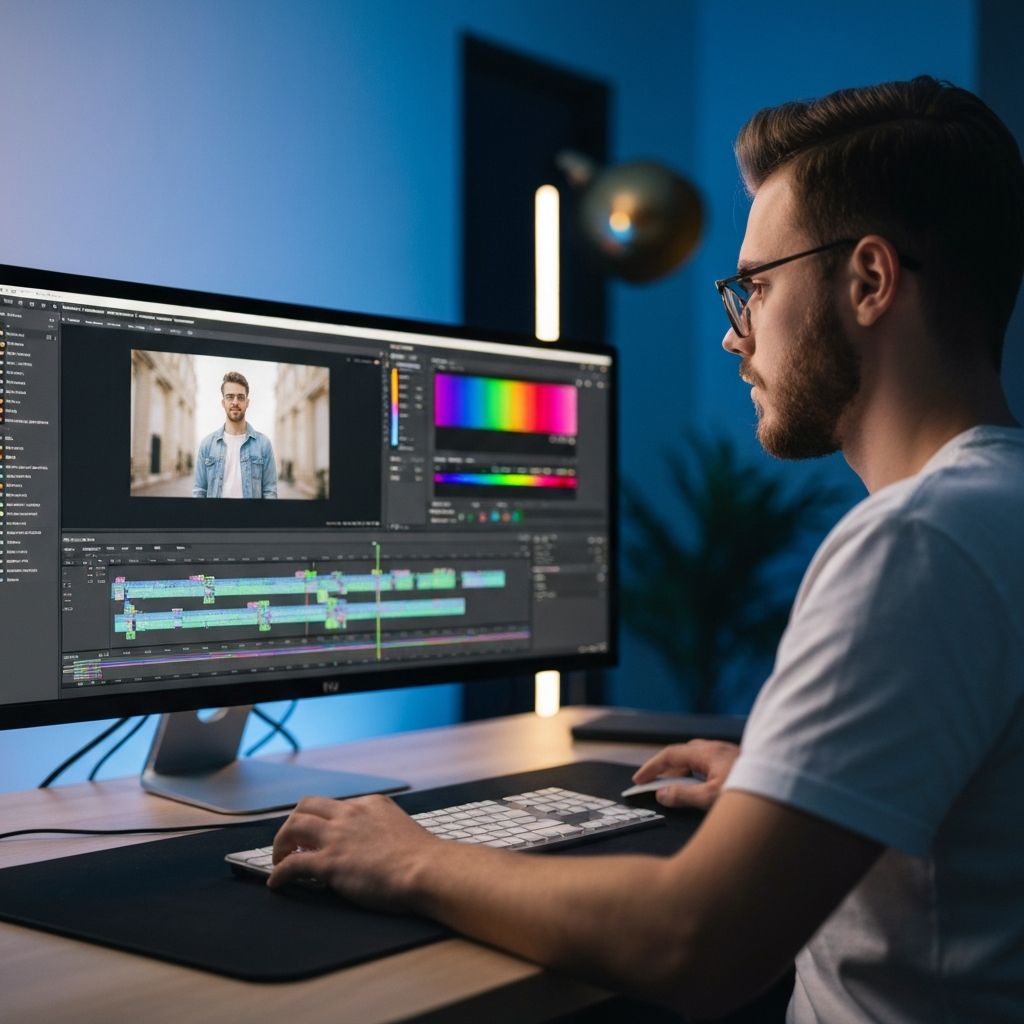
Video Editing & Green Screen Compositing
About This Block
Using Adobe Premiere Pro, students learn video storytelling from the ground up. This block covers cutting, trimming, transitions, titles, captions, sound mixing, and green screen compositing with chroma key. Students develop a strong understanding of video production workflows and complete a short edited video with a green-screen scene.
Program Summary
Video is the dominant medium of the digital age, and Block 2 equips students with the skills to tell stories through professional video editing. Using Adobe Premiere Pro -- the industry standard for film, television, and online content -- students learn every stage of the post-production pipeline.
The first two weeks establish the fundamentals: importing footage, navigating the timeline, cutting and trimming clips, and applying transitions to build compelling story sequences. Week 3 introduces title design, captions, and the Essential Graphics panel, teaching students how to brand and stylize their edits. Week 4 covers audio -- students learn to sync tracks, mix levels, add sound effects and voiceovers, and clean up noisy recordings.
The standout skill in this block is green screen compositing. In Week 5, students learn chroma key principles, shoot their own green screen footage, and composite themselves over custom backgrounds using the Ultra Key effect. The mini-project ties it all together: students produce a short edited video featuring at least one green-screen scene, complete with titles, transitions, and polished audio. This block turns students into capable video editors ready for any production challenge.
Mini-Project
Create a short edited video with a green-screen scene
Class Schedule
- Monday & Wednesday: 2 hours per day
- Saturday: 9:00 AM - 12:00 PM
- Optional Overflow Days (If Needed): Tuesday & Thursday
Maximum of 20 students per class for quality instruction
At the end of each 6-week block, students receive a Certificate of Completion recognizing the skills they have learned.
6-Week Curriculum
A structured, hands-on program from fundamentals to final project.
Week 1
Introduction to Premiere Pro
- Navigating the Adobe Premiere Pro interface
- Understanding the timeline, source monitor, and program monitor
- Importing footage, creating projects, and bins
- Basic playback controls and navigation shortcuts
- Understanding video formats, resolution, and frame rates
Week 2
Cutting, Trimming & Transitions
- Using the razor tool, ripple edit, and rolling edit
- Cutting techniques: J-cut, L-cut, and jump cut
- Applying transitions: crossfade, dip to black, and wipes
- Rearranging clips and building a story sequence
- Practice: edit raw footage into a short clip
Week 3
Titles, Captions & Graphics
- Creating title sequences and lower thirds
- Adding captions and subtitles to video
- Working with the Essential Graphics panel
- Customizing fonts, colors, and animation
- Project: create an opening title sequence
Week 4
Sound Mixing & Audio
- Importing and syncing audio tracks
- Adjusting audio levels and keyframing volume
- Adding music beds, sound effects, and voiceovers
- Audio transitions, fades, and crossfades
- Noise reduction basics and audio cleanup
Week 5
Green Screen Compositing
- Introduction to chroma key and green screen principles
- Setting up and shooting green screen footage
- Applying the Ultra Key effect in Premiere Pro
- Compositing subjects over custom backgrounds
- Fine-tuning edges, spill, and lighting match
Week 6
Mini-Project: Short Video with Green Screen
- Planning and storyboarding the short video
- Recording original footage with green screen
- Editing, compositing, and adding titles and audio
- Final review, feedback, and revisions
- Certificate of Completion presentation