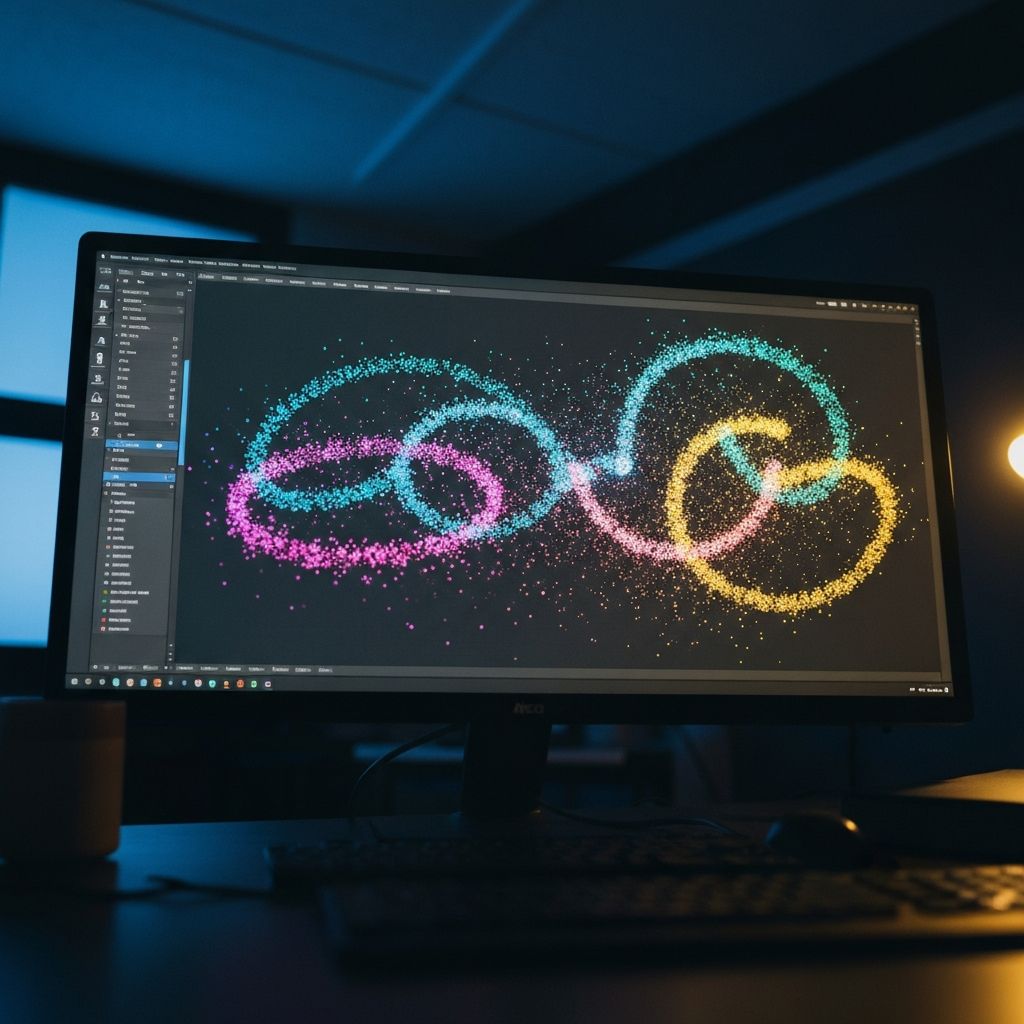
Motion Graphics in Adobe After Effects
About This Block
Students bring visuals to life with motion graphics in Adobe After Effects. They learn keyframes, animation curves, typography animation, logo animation, intro sequences, and simple visual effects. This block transforms static designs into dynamic, eye-catching animated content.
Program Summary
Motion graphics are everywhere -- from YouTube intros and movie title sequences to broadcast news and social media ads. Block 3 teaches students how to create these dynamic visual experiences using Adobe After Effects, the industry standard for motion design and compositing.
Students start by learning the After Effects workspace, compositions, and basic transform animations. Week 2 dives deep into keyframes and the graph editor, teaching students how to create smooth, polished motion with proper easing curves. Week 3 focuses on typography animation -- kinetic text techniques that bring words to life with per-character and per-word motion. In Week 4, students animate logos (including the personal logo they created in Block 1), building reveal sequences with particles, glows, and masks.
Week 5 introduces visual effects fundamentals: blur, glow, distortion, compositing, and pre-composition workflows. The block culminates in a mini-project where each student creates a fully animated name title sequence combining typography, logo animation, effects, and synchronized sound design. This block bridges the gap between static design and dynamic storytelling, and the skills transfer directly into video production, advertising, and game UI design.
Mini-Project
Animated name title sequence
Class Schedule
- Monday & Wednesday: 2 hours per day
- Saturday: 9:00 AM - 12:00 PM
- Optional Overflow Days (If Needed): Tuesday & Thursday
Maximum of 20 students per class for quality instruction
At the end of each 6-week block, students receive a Certificate of Completion recognizing the skills they have learned.
6-Week Curriculum
A structured, hands-on program from fundamentals to final project.
Week 1
Introduction to After Effects
- Navigating the After Effects workspace and panels
- Understanding compositions, layers, and the timeline
- Importing assets from Photoshop and Illustrator
- Basic transform properties: position, scale, rotation, opacity
- Creating your first simple animation
Week 2
Keyframes & Animation Curves
- Adding and editing keyframes on the timeline
- Understanding linear vs eased motion
- Using the graph editor for smooth animation curves
- Easy ease, ease in, and ease out techniques
- Practice: animate a bouncing ball with realistic physics
Week 3
Typography Animation
- Creating and formatting text layers
- Animating text with text animators and selectors
- Per-character, per-word, and per-line animations
- Kinetic typography techniques for dynamic titles
- Project: design an animated quote sequence
Week 4
Logo Animation & Intro Sequences
- Importing and preparing logo assets for animation
- Reveal techniques: wipes, masks, and scale-ins
- Adding particle and glow effects to logos
- Building a complete animated intro sequence
- Practice: animate your personal logo from Block 1
Week 5
Simple Visual Effects
- Introduction to effects and presets panel
- Working with blur, glow, and distortion effects
- Basic compositing with layer blending modes
- Pre-compositions and nesting compositions
- Project: create a visual effects scene
Week 6
Mini-Project: Animated Name Title Sequence
- Planning the concept and style of the title sequence
- Combining typography, logo, and effects animation
- Adding sound design and music sync
- Rendering and exporting in the correct format
- Certificate of Completion presentation