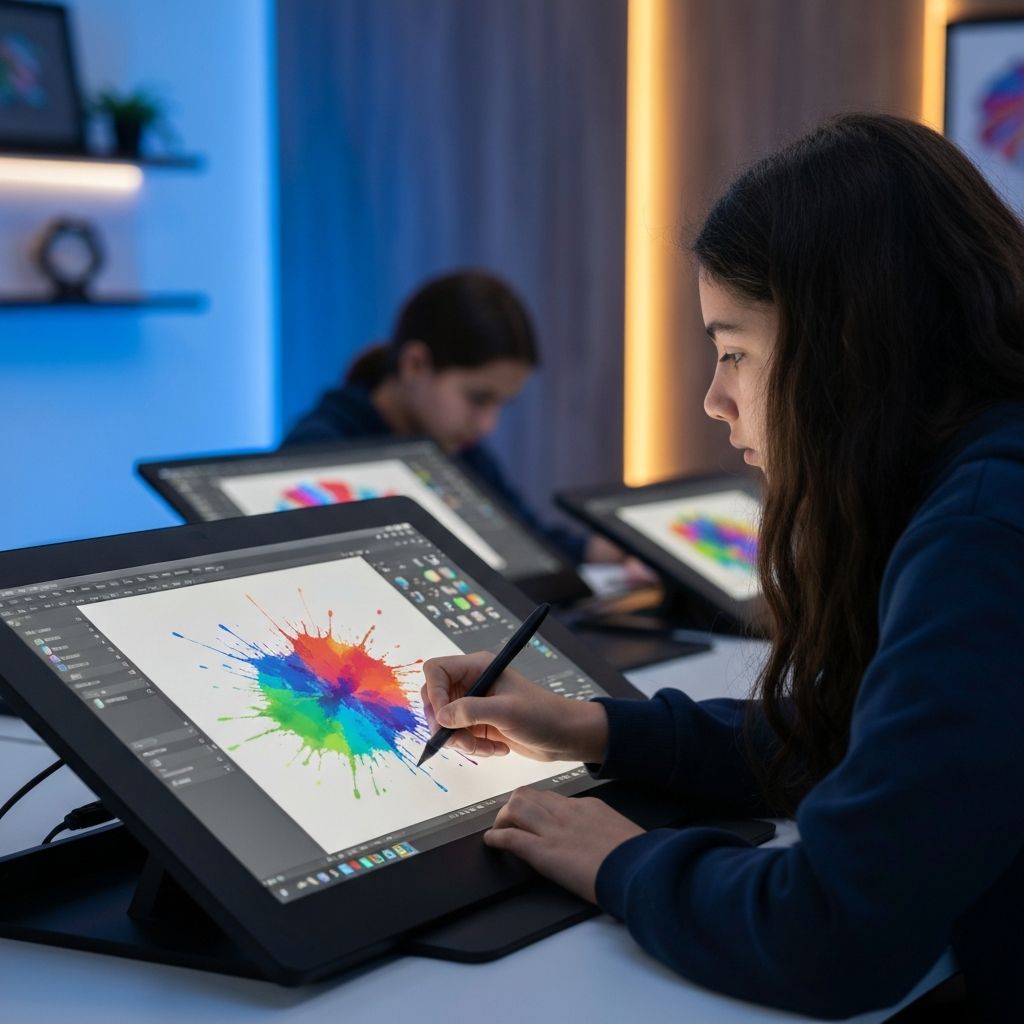
Graphic Design in Adobe Photoshop
About This Block
Students learn the foundations of digital art and graphic design using Adobe Photoshop. From understanding the interface and core tools to creating original artwork, this block gives students the creative confidence to produce professional-quality designs. They explore layers, brushes, selections, photo editing, color correction, and effects, culminating in a personal logo and poster design.
Program Summary
Block 1 is where the creative journey begins. Students are introduced to one of the most powerful and widely-used design tools in the world -- Adobe Photoshop. This 6-week course builds a strong visual design foundation by guiding students through the complete Photoshop workflow, from navigating the interface to exporting finished artwork.
In the first two weeks, students learn to set up documents, manage layers, use selection tools, and paint with brushes and pencils. By Week 3, they're designing social media graphics and event flyers from scratch. Week 4 dives into photo editing -- retouching, color correction, and enhancement techniques that mirror real-world production pipelines. Week 5 introduces advanced compositing with layer masks, smart objects, and visual effects.
The block concludes with a capstone mini-project: each student designs their own personal logo and poster, applying every skill learned across all six weeks. This project builds their first portfolio piece and earns them their first Certificate of Completion. Graphic design literacy is the backbone of all visual media, and this block ensures every student starts with the confidence and technical skills to create professional-quality digital art.
Mini-Project
Create a personal logo & poster design
Class Schedule
- Monday & Wednesday: 2 hours per day
- Saturday: 9:00 AM - 12:00 PM
- Optional Overflow Days (If Needed): Tuesday & Thursday
Maximum of 20 students per class for quality instruction
At the end of each 6-week block, students receive a Certificate of Completion recognizing the skills they have learned.
6-Week Curriculum
A structured, hands-on program from fundamentals to final project.
Week 1
Introduction to Photoshop
- Navigating the Adobe Photoshop interface and workspace
- Understanding tools, toolbars, and panels
- Creating a new document and canvas setup
- Introduction to layers and layer management
- Saving and exporting file formats (PSD, PNG, JPG)
Week 2
Tools, Layers & Selections
- Working with brushes, pencils, and erasers
- Selection tools: marquee, lasso, and magic wand
- Layer ordering, opacity, and blending modes
- Introduction to text tool and typography basics
- Hands-on practice: creating a simple composition
Week 3
Creating Digital Artwork
- Creating posters from scratch with custom layouts
- Designing social media graphics and banners
- Working with shapes, gradients, and fills
- Introduction to filters and artistic effects
- Project: design a social media post or event flyer
Week 4
Photo Editing & Color Correction
- Photo retouching: blemish removal and healing brush
- Brightness, contrast, levels, and curves adjustments
- Color correction and white balance
- Cropping, straightening, and resizing images
- Practice: edit and enhance a series of photographs
Week 5
Effects & Advanced Techniques
- Layer masks and non-destructive editing
- Drop shadows, glows, and layer effects
- Compositing multiple images together
- Smart objects and smart filters
- Project: create a fantasy photo composite
Week 6
Mini-Project: Personal Logo & Poster
- Planning and sketching logo concepts
- Designing a personal logo in Photoshop
- Creating a full poster design using all learned skills
- Final review, feedback, and refinement
- Certificate of Completion presentation